
This is how to forward a charge to a tenant from a supplier expense.
Scenario: A tenant breaks a window and you would like to charge him for this damage.
When creating the expense from the supplier you can then choose to forward the charge of the invoice to the tenant by selecting the forward to tenants button.
This is how to forward the charge on to a tenant
- On the owner or property page create the expense from the supplier.
- Save and Close.
- Reopen the expense
- Click the forward to tenant/s button.
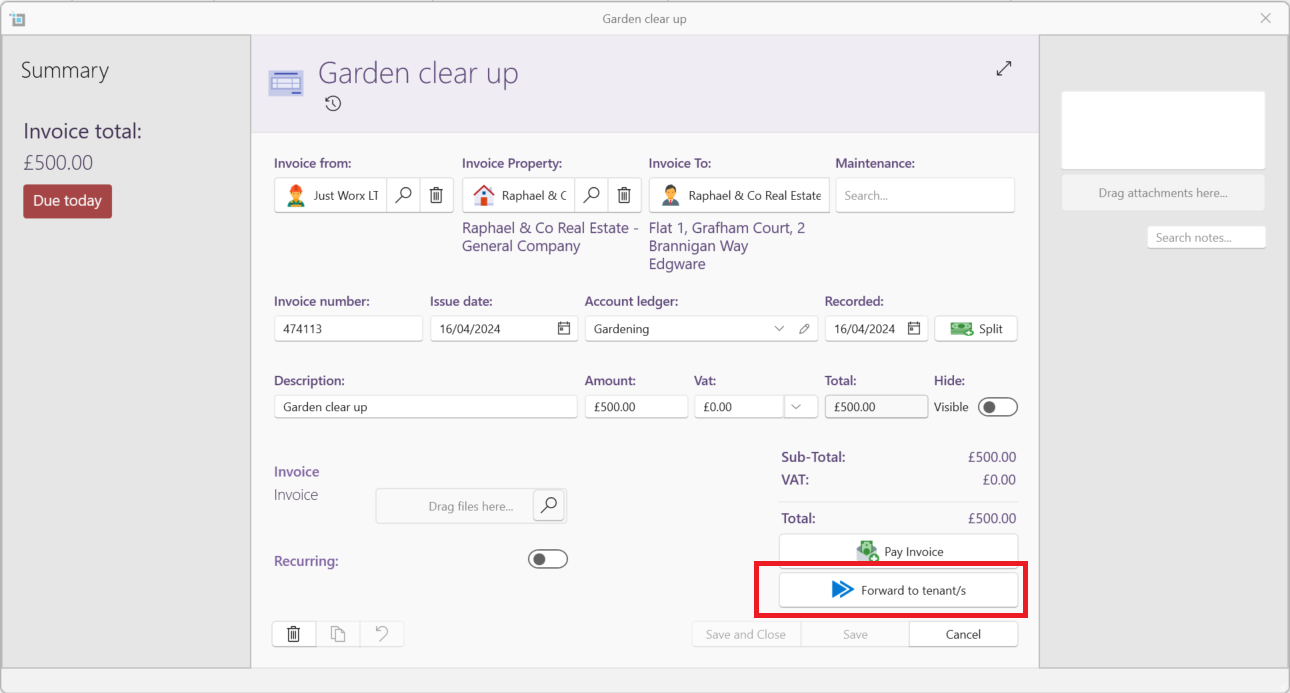
An additional invoice will now be created from the owner to the tenant for the amount of the invoice.
You can find this invoice on the tenants Accounts tab.
Want to know more
- Click on the following article to see how to forward charges for lessee and commercial tenancies: Service charge
- How to hide incoming and outgoing transactions on statement