
Any changes you wish to make to properties, leases, owners, etc., can only be made after clicking the Edit button at the top on the page ribbon.
This is how to make any changes on a page
Click on the Edit button at the top.
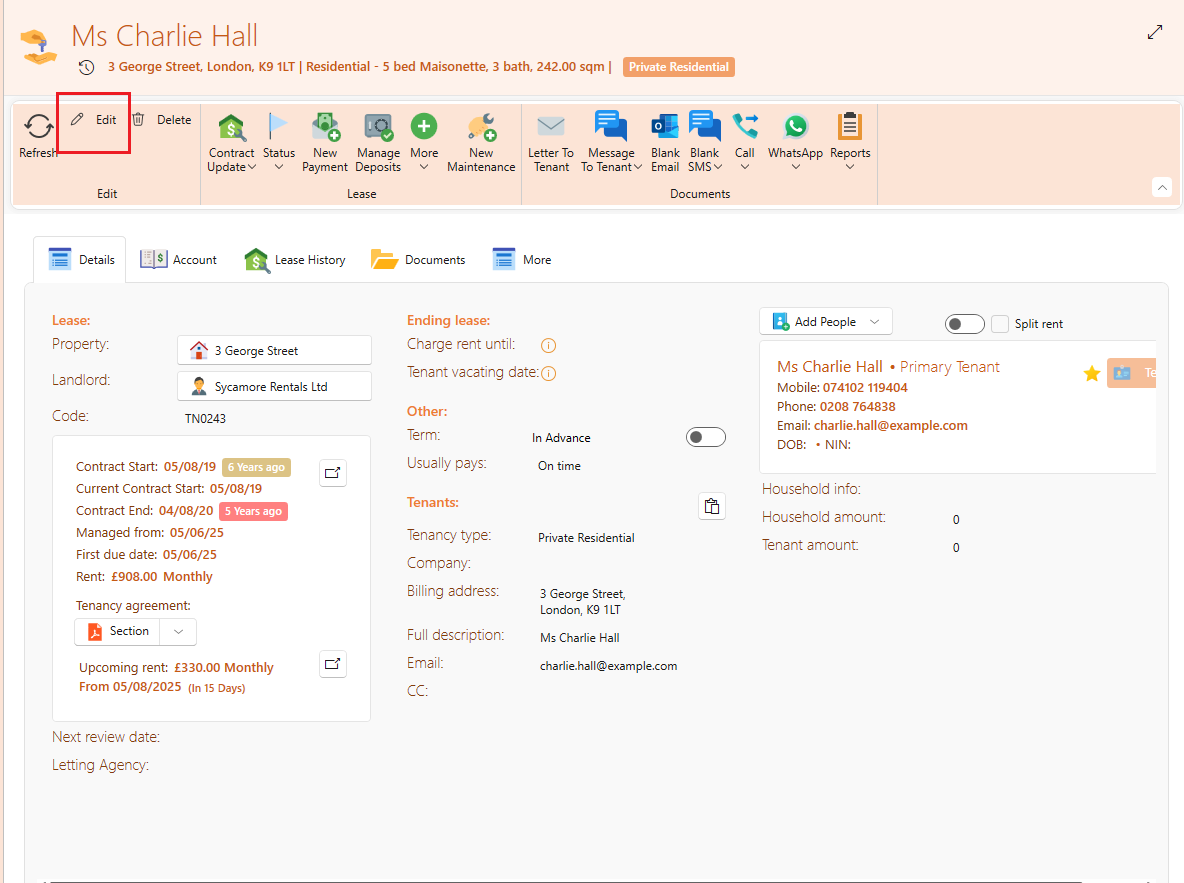
All fields will now show as editable with a line or search icon so you can make any necessary changes.
Click on Save to save your change.
Please note that some users won’t be able to use the Edit button due to user permissions, only users granted permission to edit will have access.
To change the permission of your users, see here: