This is how to create a new manager:
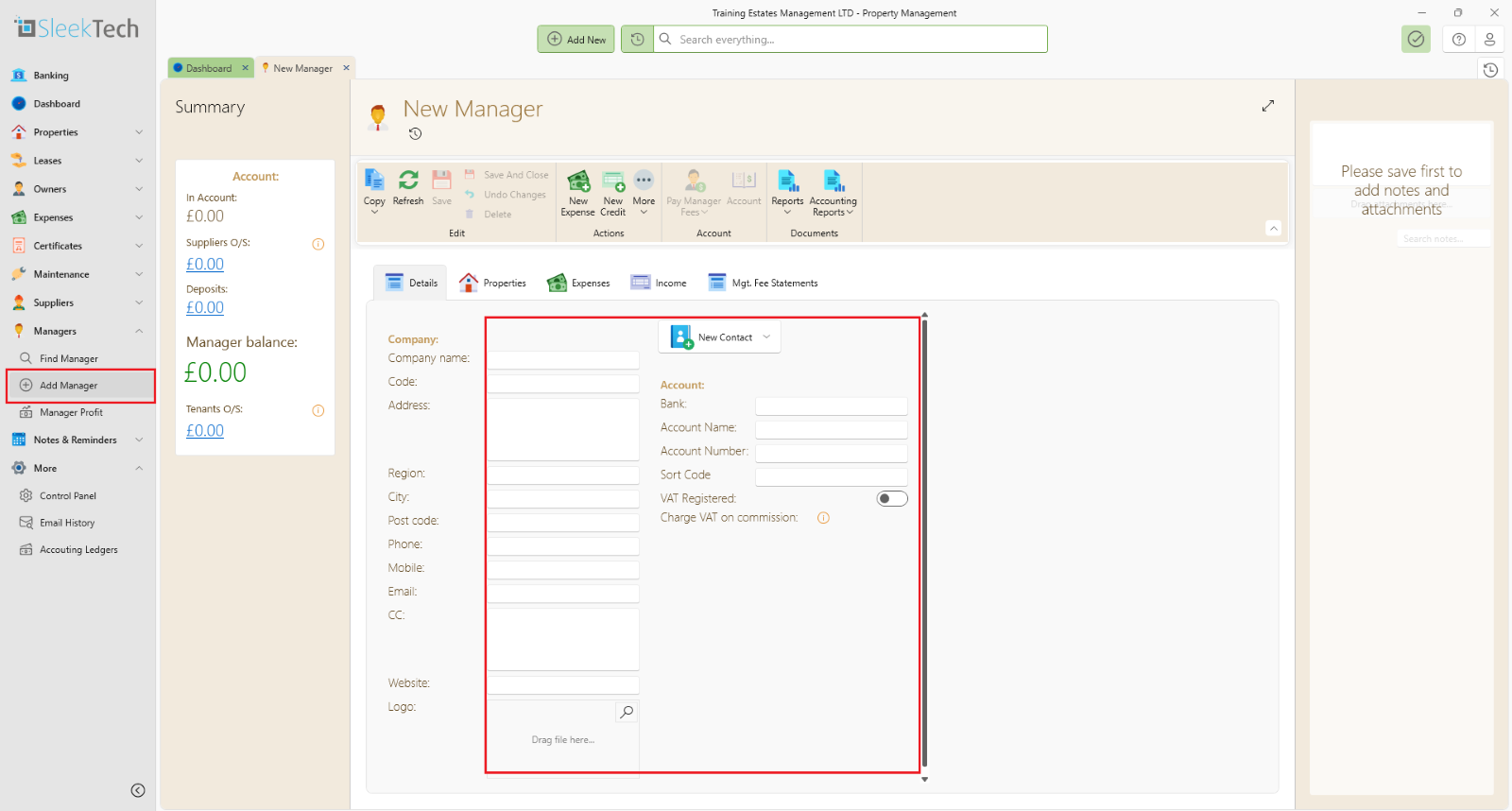
- Click on the dropdown Managers from the side panel
- Click Add Manager
- Fill in the company details
- Save and Close
- Go back to Managers tab
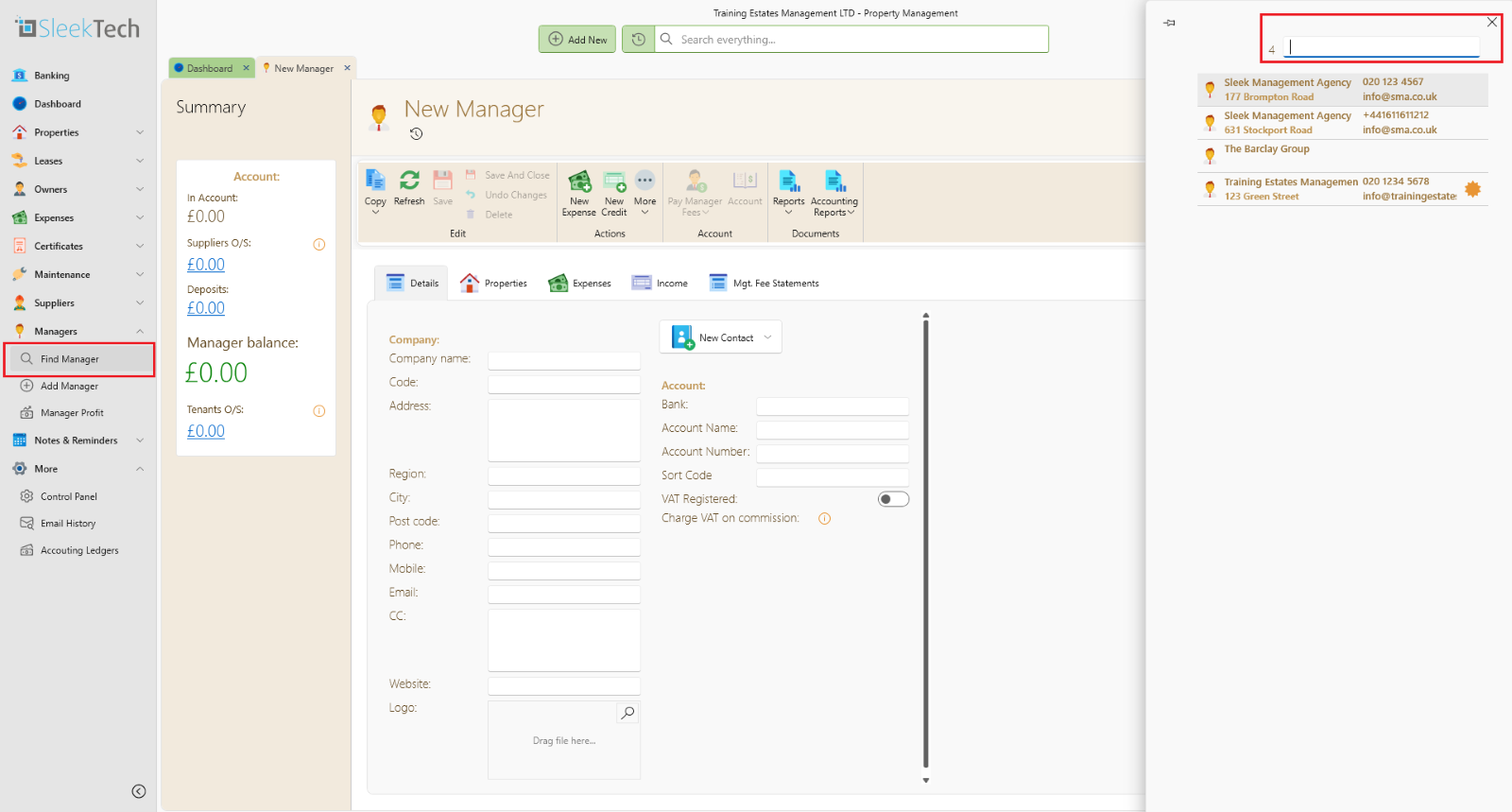
- Click Find Manager then select your newly created manager
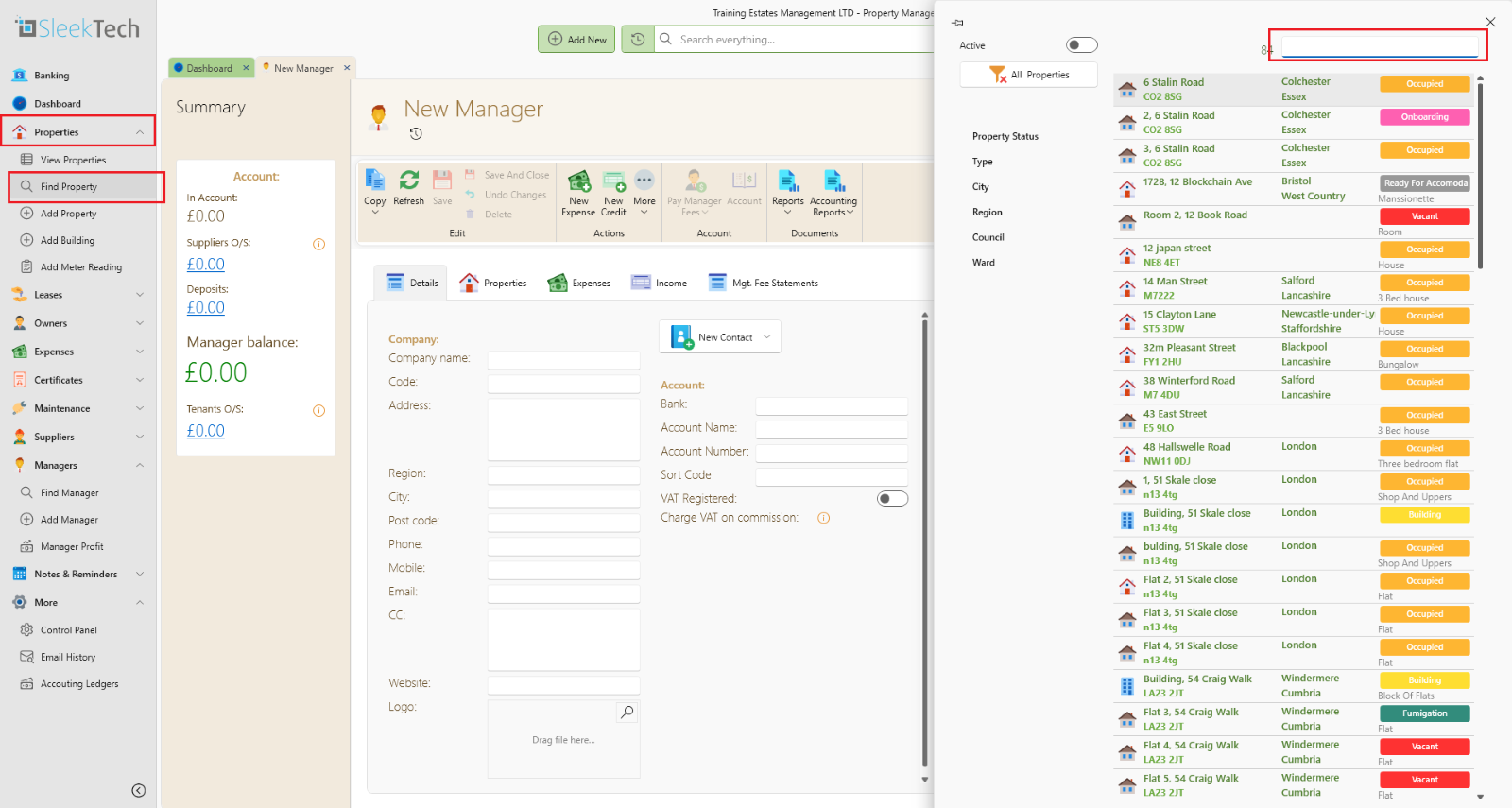
- Click on Properties, then Find Properties and search.
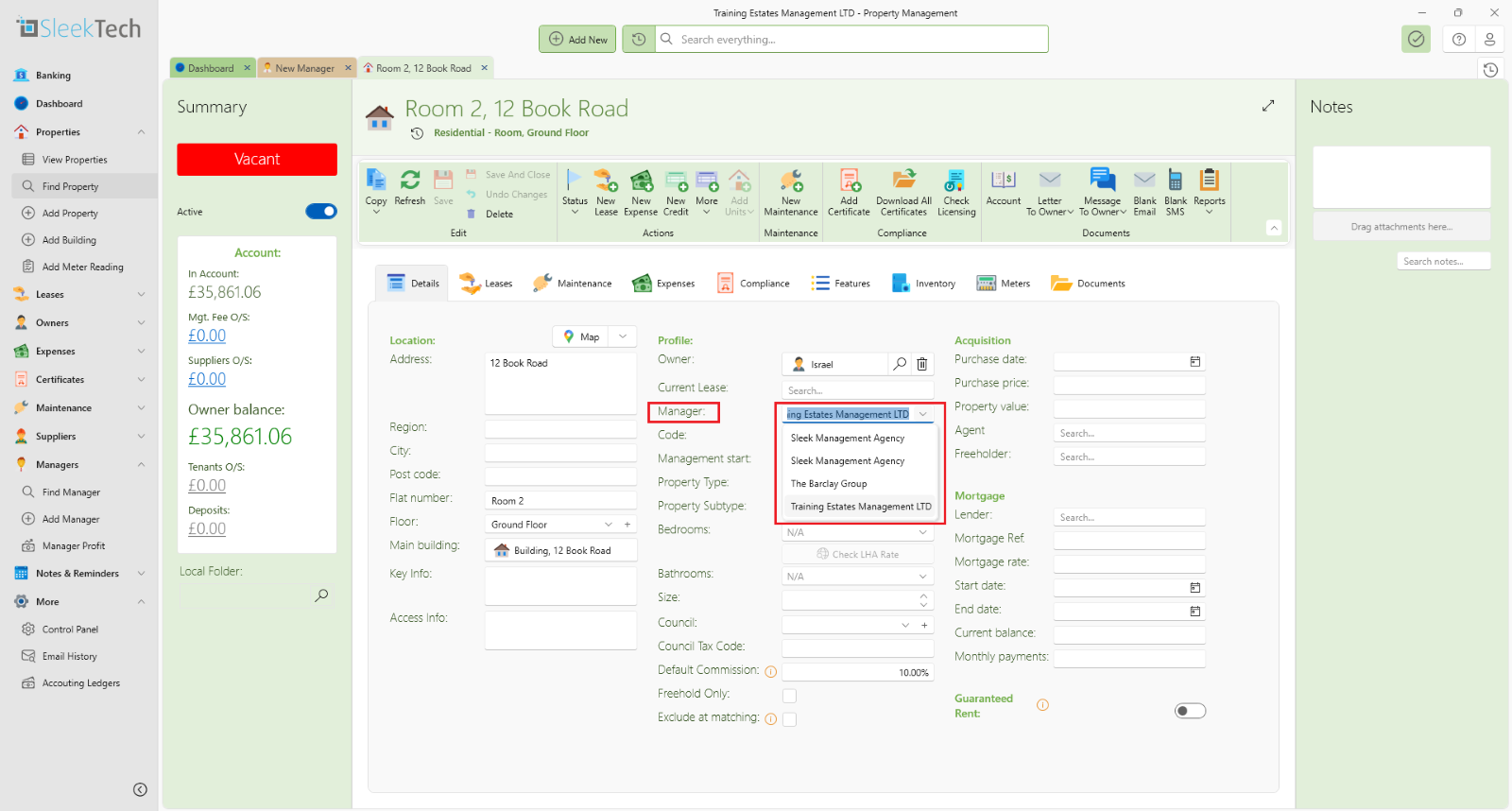
- Once the property is open, look for manager, then switch to your newly created manager.