Dashboard Customisation
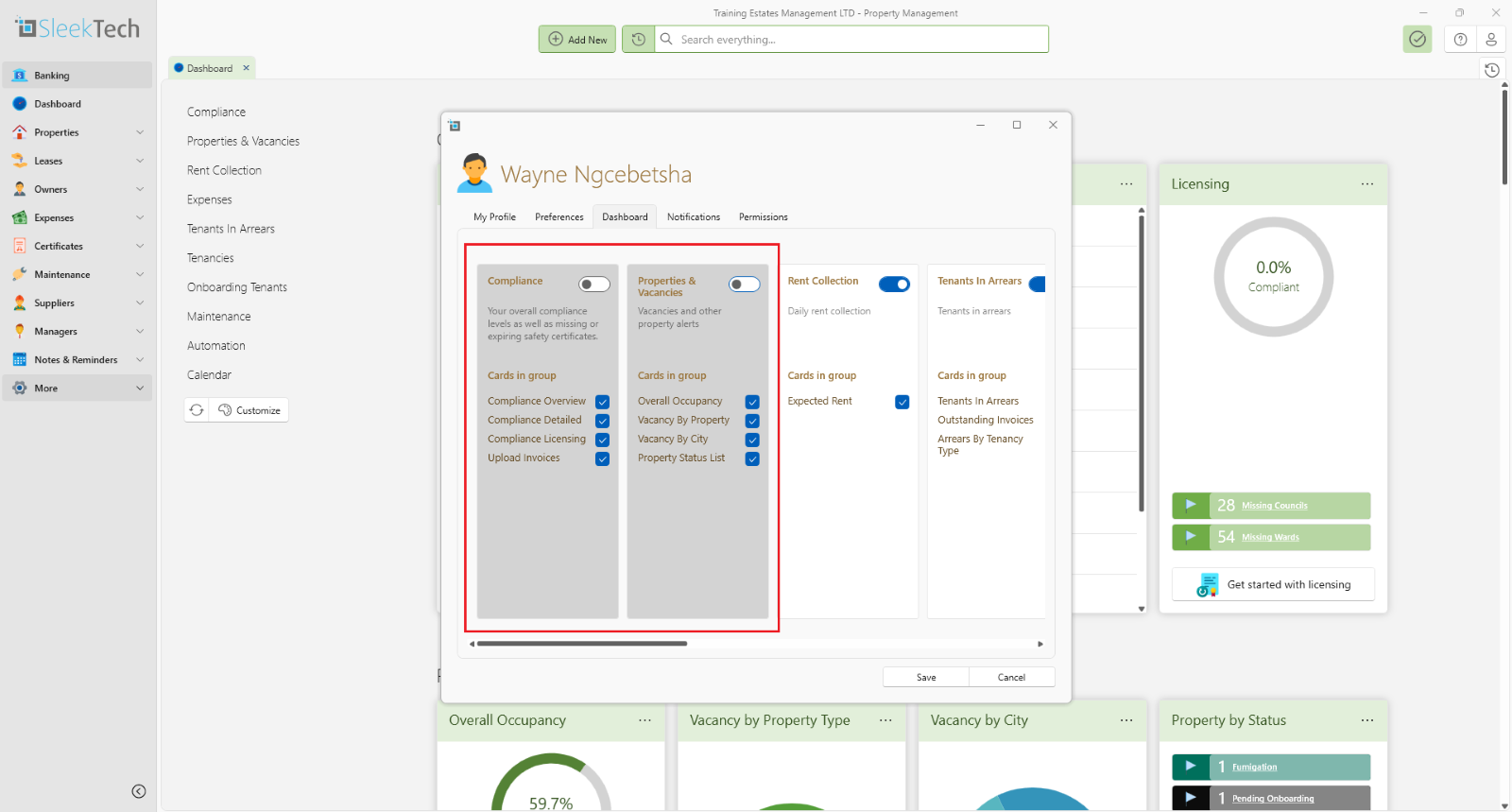
You can customise the dashboard to show only cards that are relevant to you and in the order you want to see them.
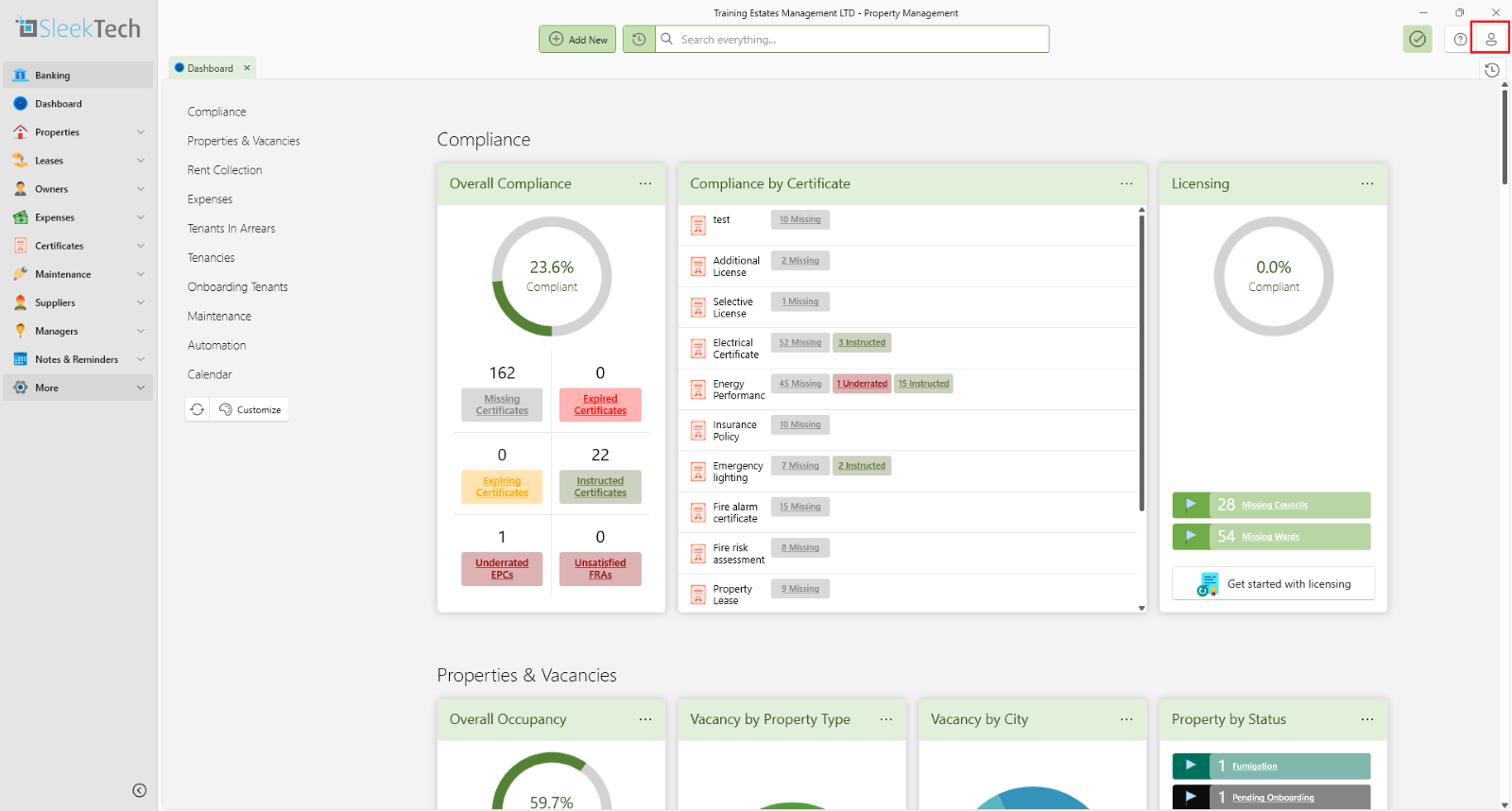
- From the Main Ribbon open your user profile.
- Click on User Profile icon.
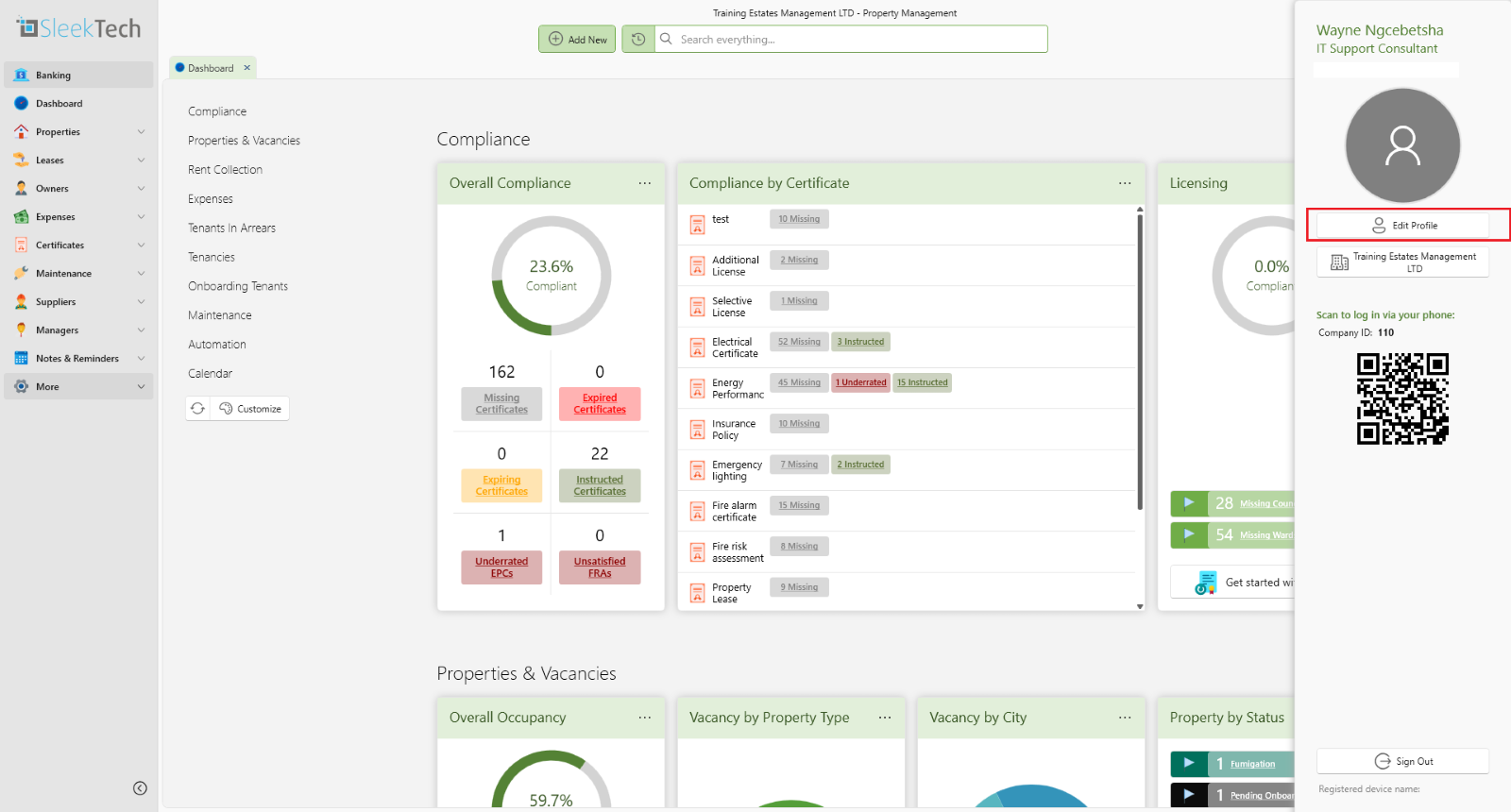
Click on Edit Profile.
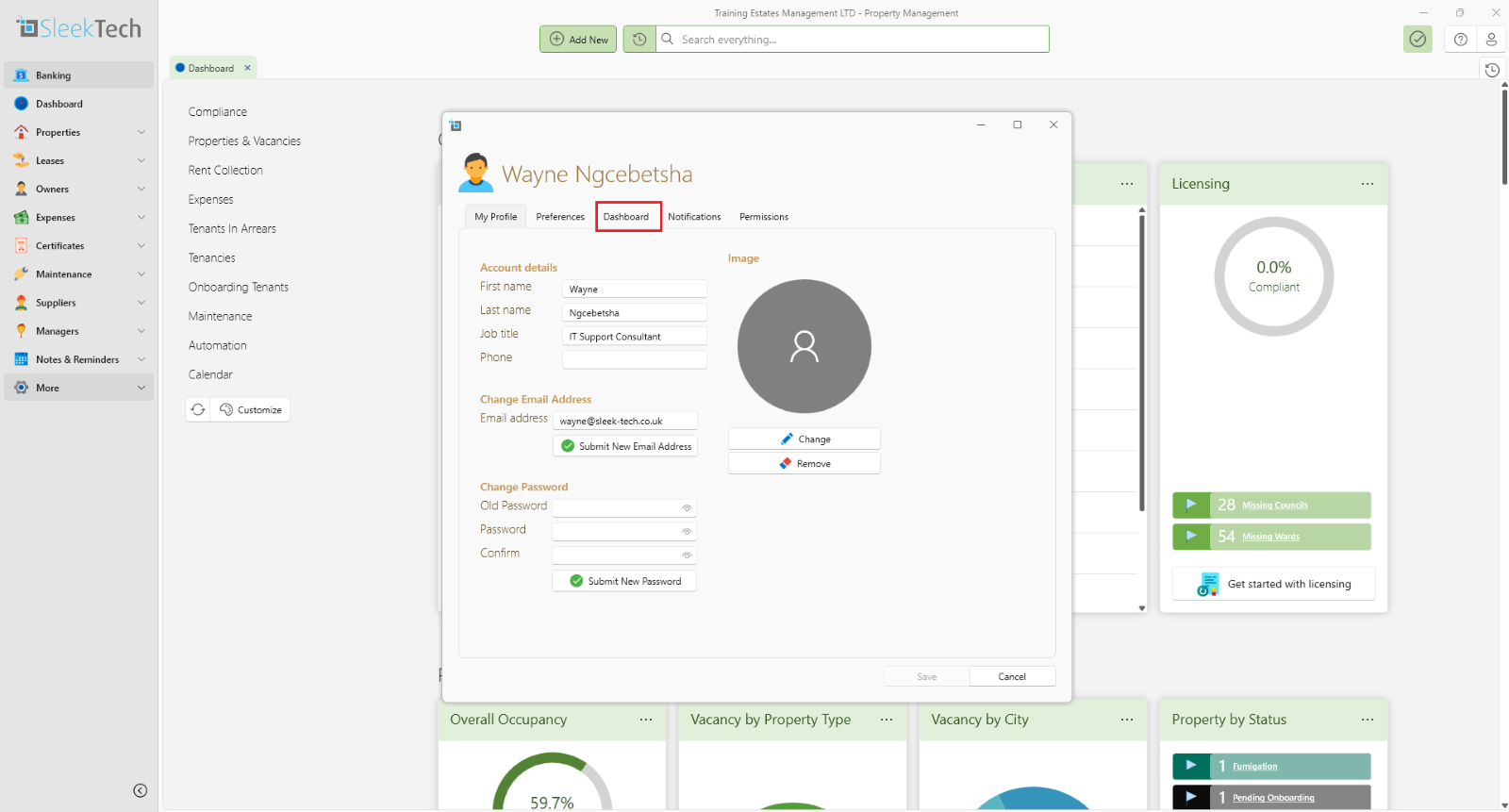
Once the profile is open
Select the Dashboard tab.
You can drag around the cards to order them the way you'd like to have them on the dashboard.
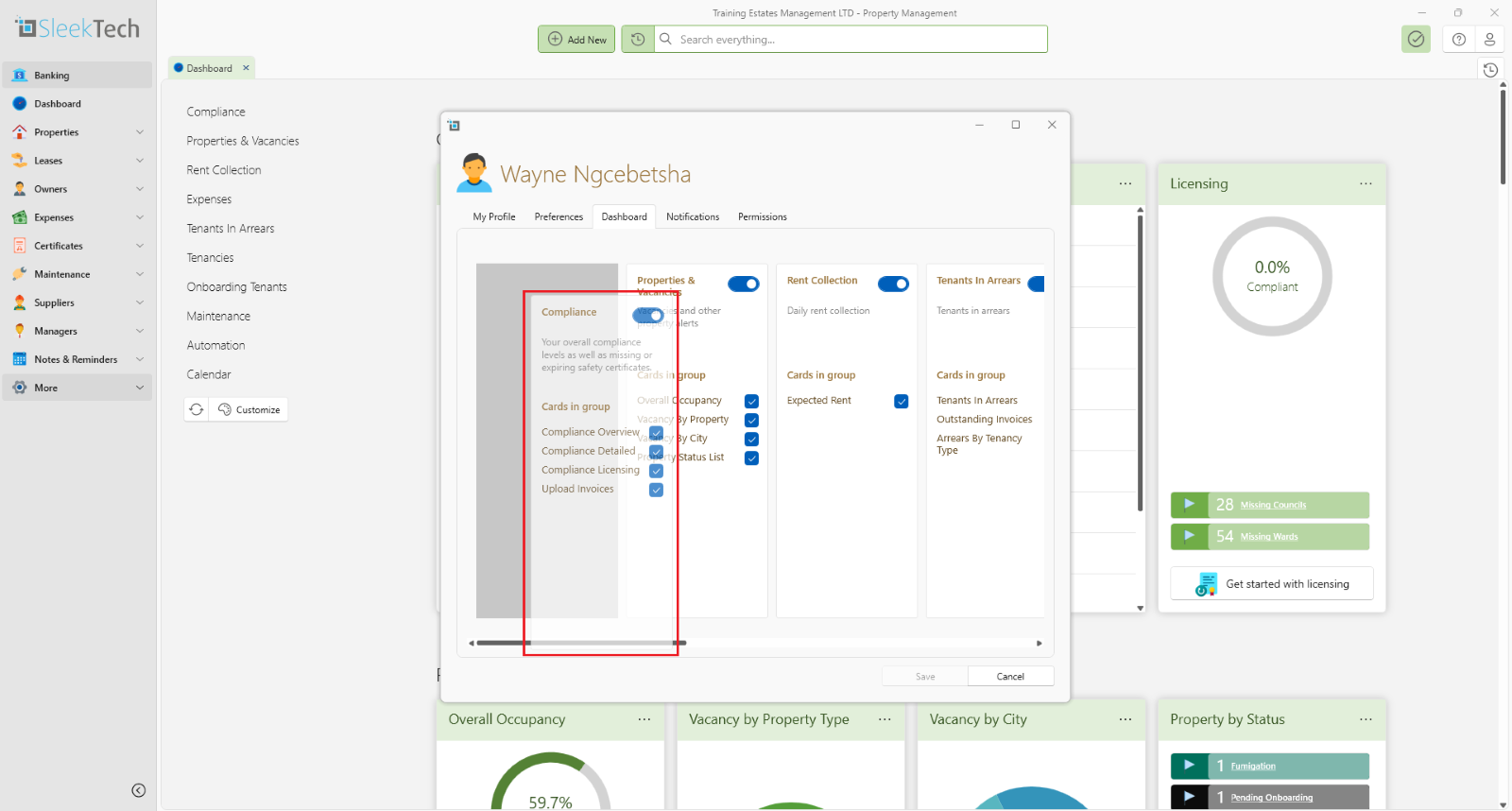
You can also completely hide cards not relevant to you by turning the switch on or off.