In order to change a lease from one property to another following the steps below.
- Open the most recent rent invoice.
- Edit the end date to the last day that the tenant was at the current property.
- Save.
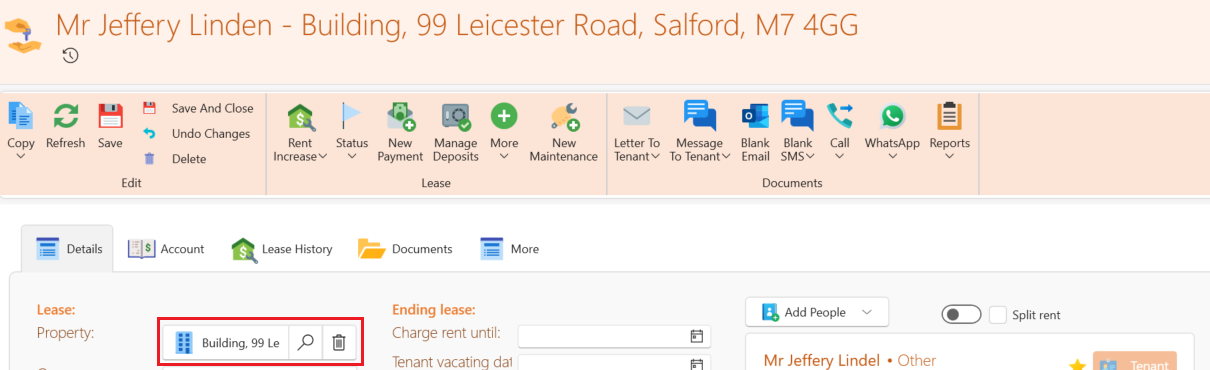
- On the Lease Detail tab select the search icon next to the property name as pictured below.
- Choose the new property from the list that will show up.
- Save.
Your lease has now been moved over.