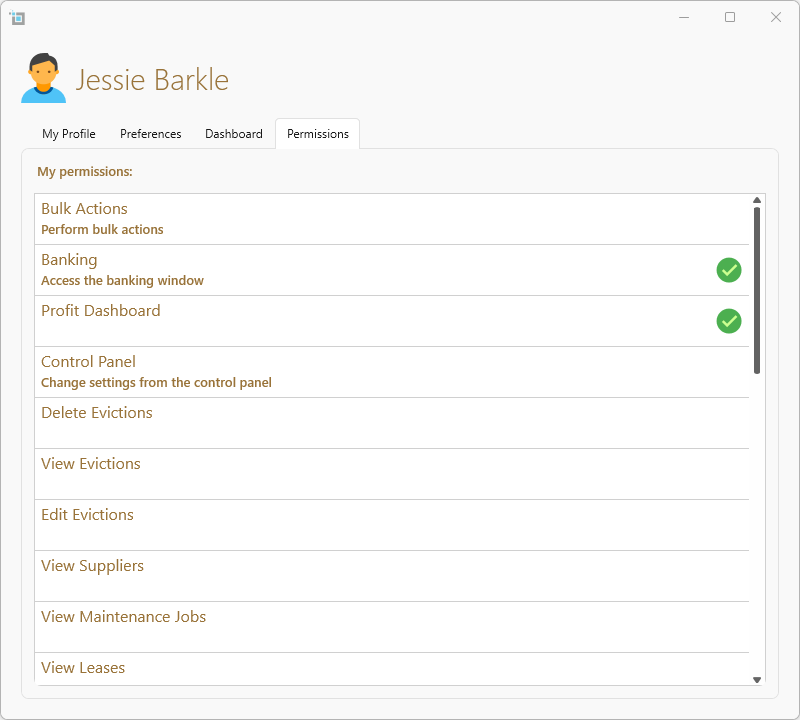
Some actions that are irreversible will require permission to allow you to perform those actions.
Changing your permissions
The permissions are set by the Admin of your office and can only be amended by them. See here for more on how an Admin can amend the permissions for users:
How to change permissions for your users
This is how to view your permissions:
- From the top right of the software click on the user icon.
- Click on Edit profile
- Click on the Permissions tab from the top right
- Any permissions that you have will have a green tick next to it.