
This is how to change the rent charge date for future rent invoices.
For example you are currently charging the tenant on the 15th of each month and you would like to change the rental period to the 6th of each month.
Go to the lease and select the Account tab:
- Open the most recent rent invoice.
- adjust the Rent to: date to the day before your new chosen date eg your new date is the 6th fill in the rent to date as the 5th.
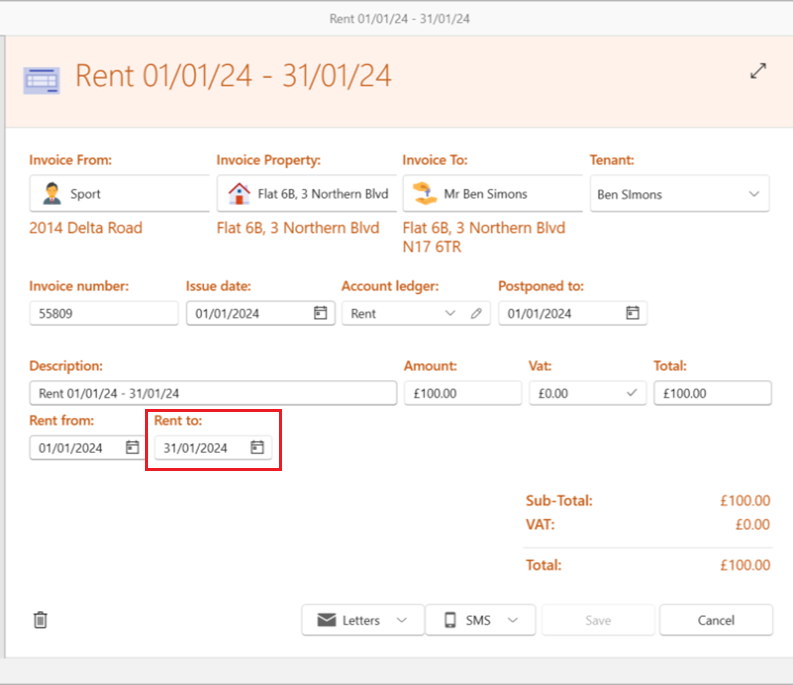
The system will auto calculate the rent charge to the amount of days the rental invoice now covers. You can adjust the amount if you would like - this is a one off figure and will not have any effect on future invoices.
Once saved the following rent invoices created will now reflect the new rental period.