
Please note: Permissions can only be changed by the Admin.
As an Admin you can decide to restrict or allow your users to view and edit different parts of the system.
- Go to Control Panel > User Management
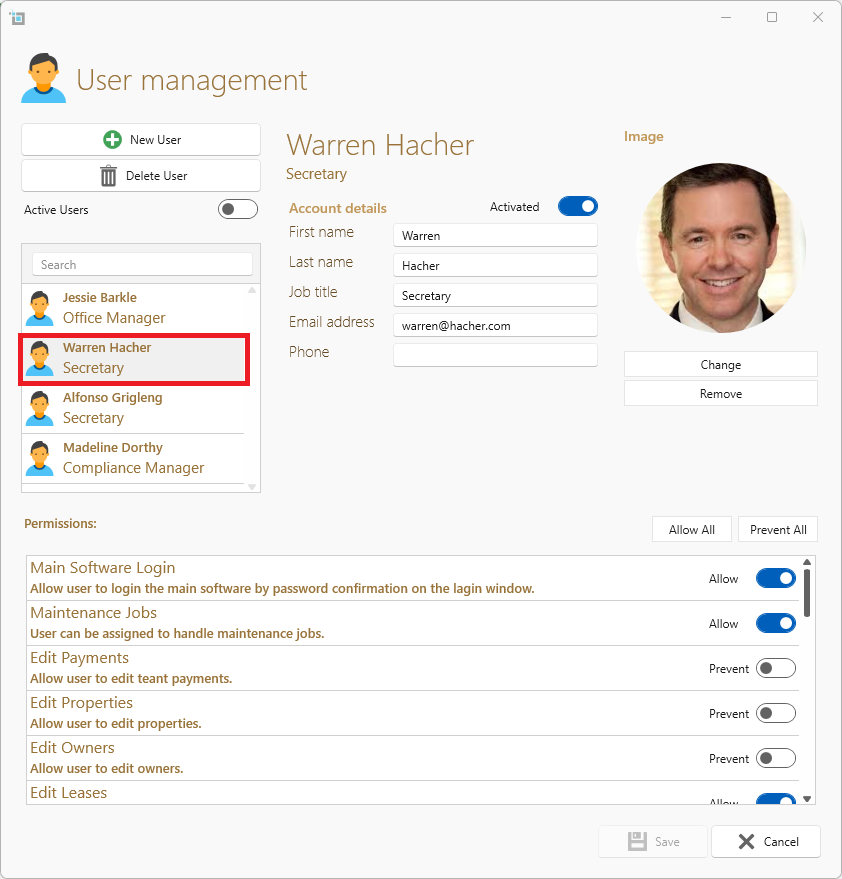
- Click on the user you wish to edit from the left hand side.
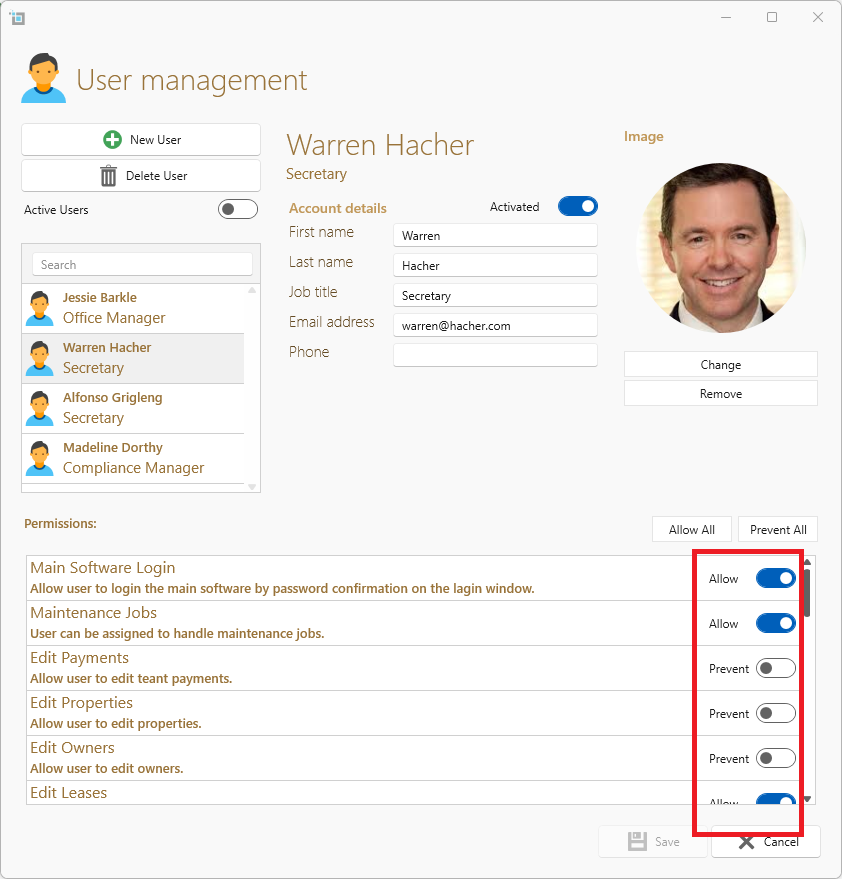
- At the bottom of the window, check or uncheck any permission that you want to allow or restrict from that user.
- Click Save.