
This is how SleekTech generates statement dates and numbering.
Statement Number:
When you save the first statement for an owner the following pop up will show up on your screen:
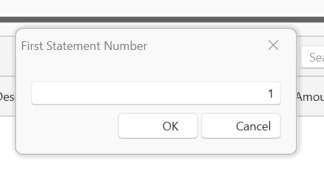
You can choose from two options for the statement number.
1) You can allow SleekTech to automatically start the statement number sequence from number 1.
2) You can manually enter the number of your choice and the system will automatically continue on from the number you have chosen.
Eg if you are up to statement 056 in your old system you can now write 057 and all statements following will automatically go up in number Eg 058 , 059 etc.
Statement Dates:
When you create an owners first statement you will need to put in a start date and an end date.
The start date option is locked once you have put in the required information:
- Press Save or Save and Close.
- You will first be asked to number the statement as above .
- You will then see the following pop up to put in the start date.
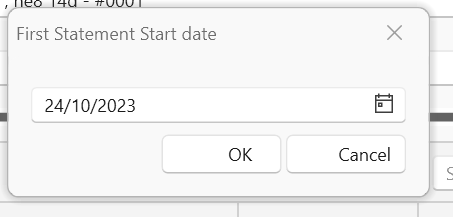
All subsequent statements will automatically put in the start date as the day after the previous statements end date E.g. the previous statement ended on the 27th the following statement will generate the start date as the 28th.
The start date will now be locked in order that no overlap should occur.
You will need to put in the end date each time you create a statement.
All transactions up until your chosen end date will be included.
(SleekTech will bring in all transactions up until your chosen end date that have not yet shown up in that owners statement -even if the transaction took place before the statement start date)