Occasionally, your tenant might pay directly to the landlord. This payment will not show in your banking feed, but you still want to credit the tenant's account, and you might also want to collect a management fee for that.
This is how to achieve it:
- Open the lease page.
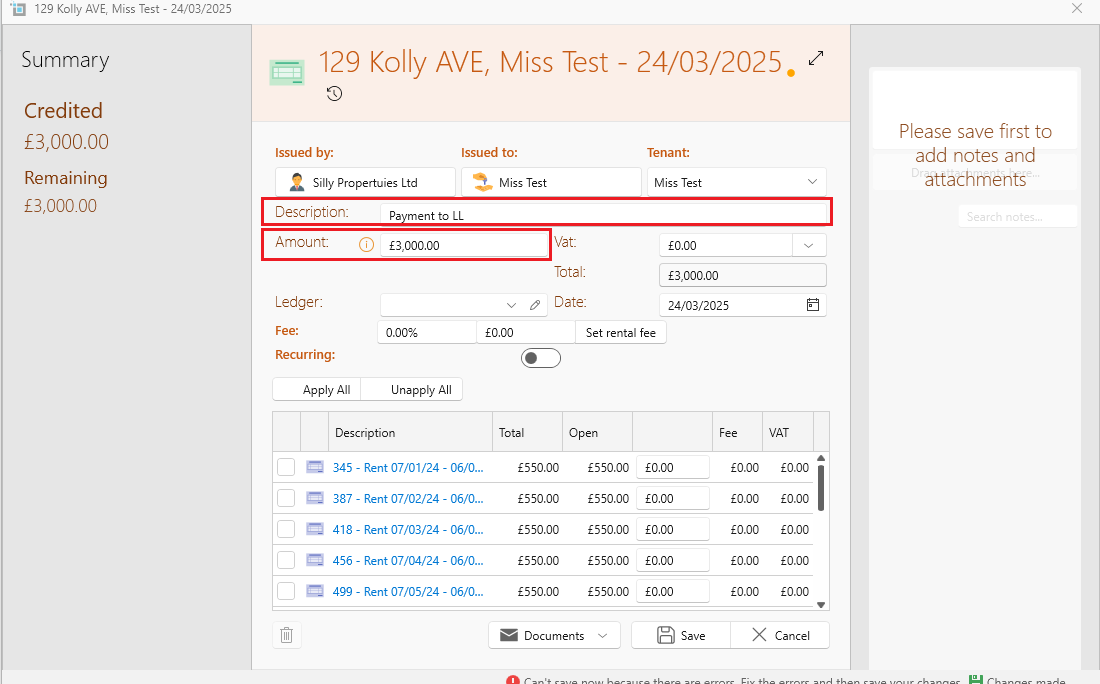
- In the page ribbon under More, select Credit note.
- Fill in the amount and date of the payment.
- Under bank reference, you can fill in "Payment to LL" etc.
- Apply to the rent it covers.
- This will credit the tenant's account, but won't show up in your landlord statement.
- If you want to charge commission for that payment, open the Property page.
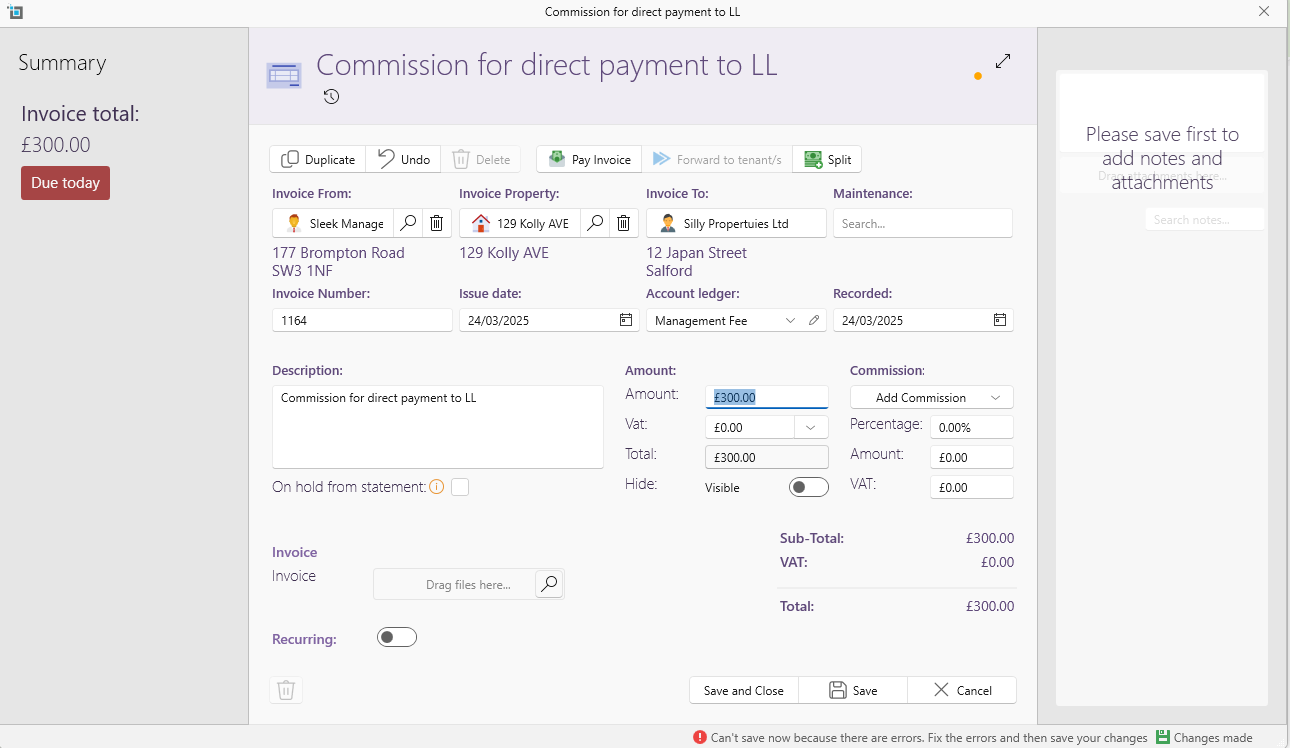
- On the page ribbon under More, find the correct manager under Invoice from Manager.
- Under Description fill in "Commission for direct payment to LL"
- Fill in amount, date and Account ledger
- Save and Close.
- This will create a charge from your company to the owner and will show on the statement as a property expense.