
Attachments and emails can be added to the Communication section on Leases, Owners, Properties and Suppliers.
How to add an attachment
- On the right side of the page, find the Communication section and click on the desired note which you want to add an attachment to. You can also click on the Arrow icon to open all the notes and then choose the desired one from the list.
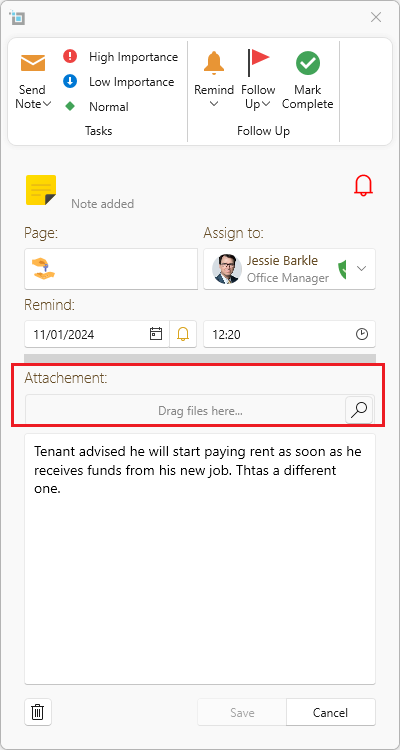
- Click on the search icon under the Attachment section and find the desired file. Alternatively, drag it straight across.
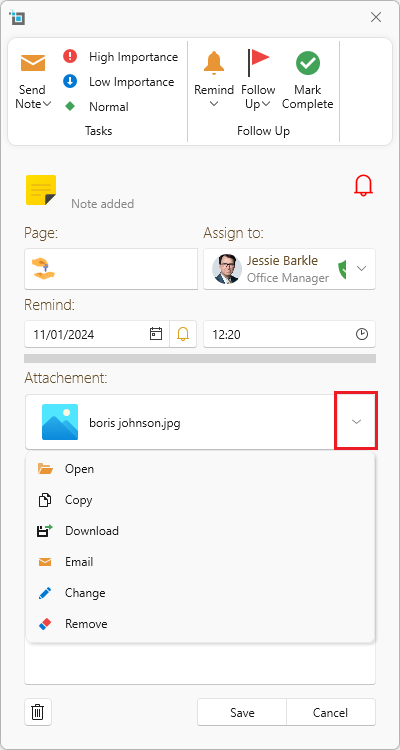
- To delete, change, download, copy or email the attachment, click on the dropdown next to the attachment and choose from the list.
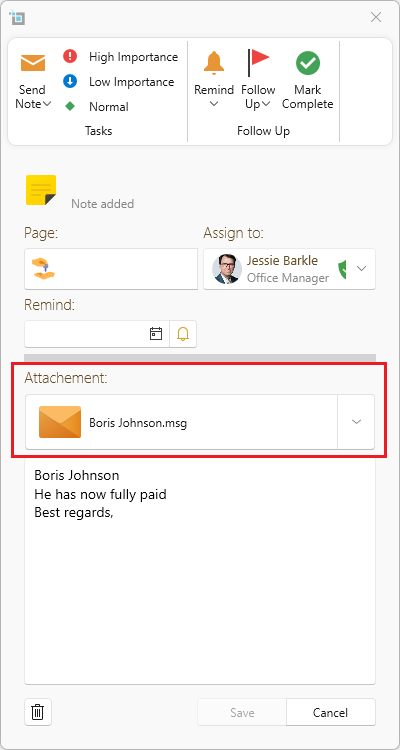
- Click on Save. Any notes that have attachments will show up on the Communication section.
Want to know more? Click on following links.