
This is how you log on to he mobile web portal:
- Click the following link on your phone or tablet: SleekTech Web Portal
- Insert Company ID on the login page. To find your Company ID, click on the user icon from the top right of the software. The Company ID will be shown.
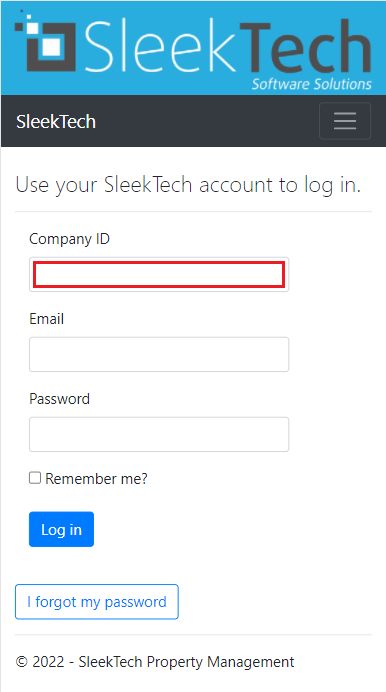
- Insert the same username and password as you use to log on the computer software
- Make sure to click Remember me so you don't have to log on every time.
- Click login.