
This is how to create a refund for a tenant who has overpaid their rent.
- Find the tenant under Find Lease.
- On the page ribbon click on More.
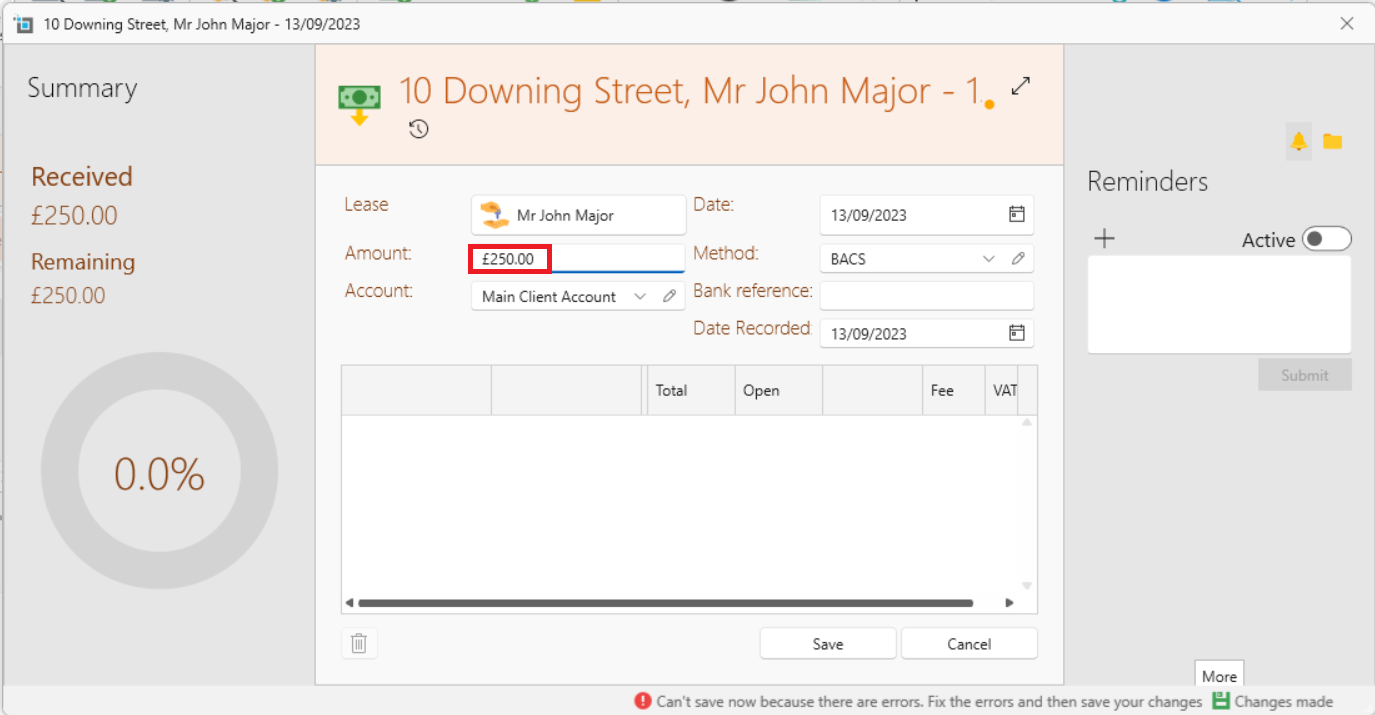
- Click on Refund.
- By Amount, put in the amount to be refunded and click Save.
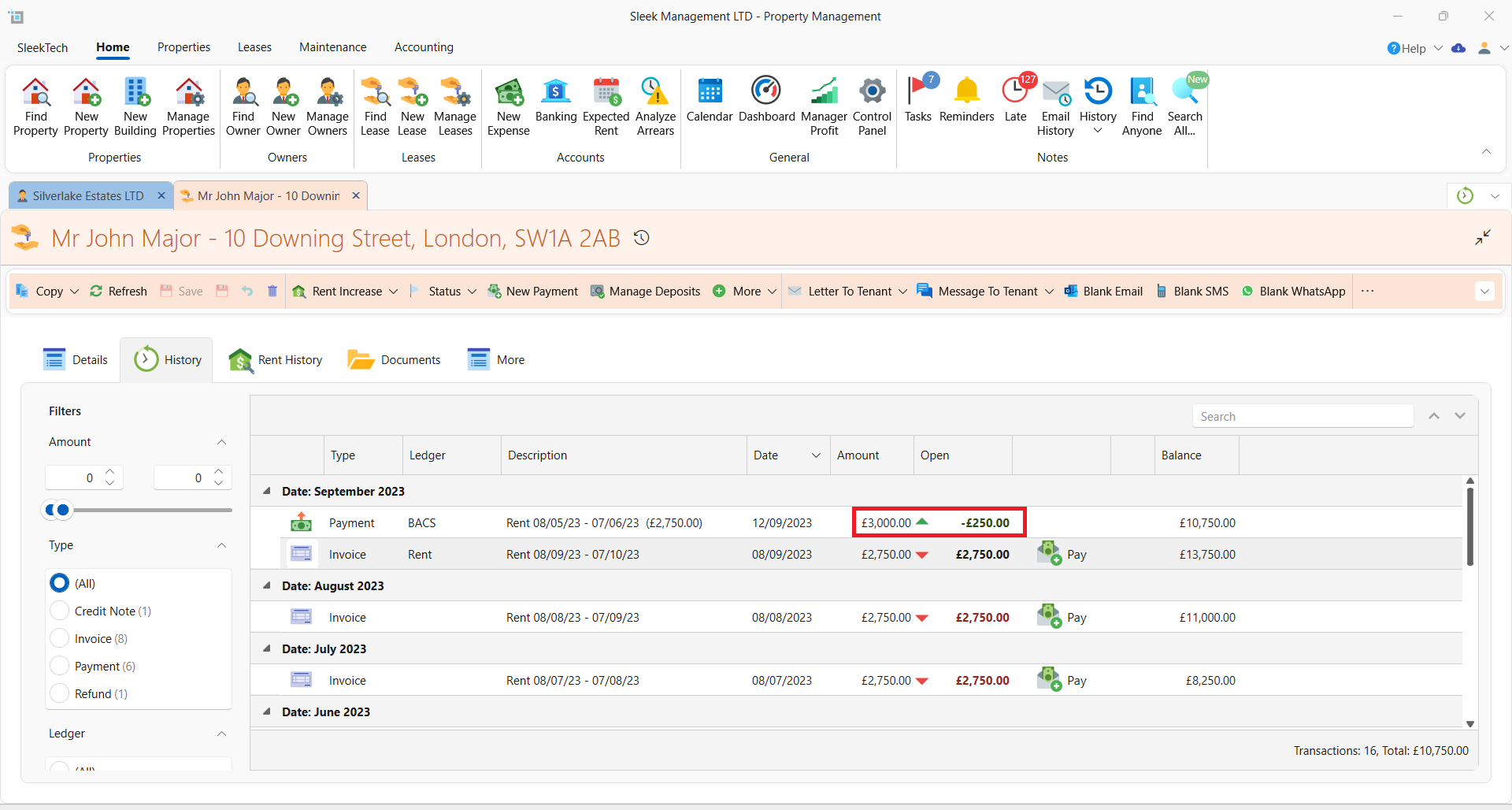
- In the bank, apply the payment to the rent as usual, even though the amount is more.
- Go back into the page of the lease and refresh.
- Open up the payment that was just made in the bank.
- Apply it to the refund.
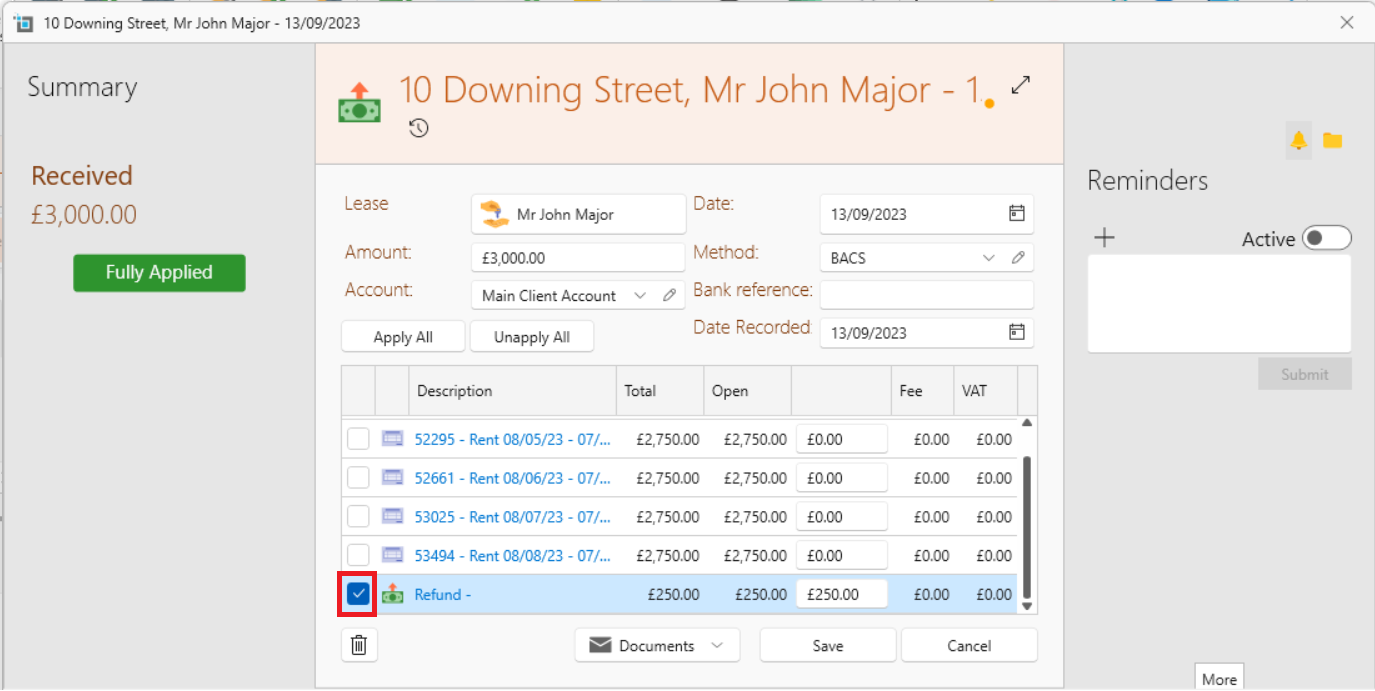
- The account will now show up with that rental amount cleared.