
SleekTech windows are optimised for big office screens so you can get the maximum content in one glance.
Sometimes, however you might want to work from a lap top screen and you will notice that little data fits into the windows.
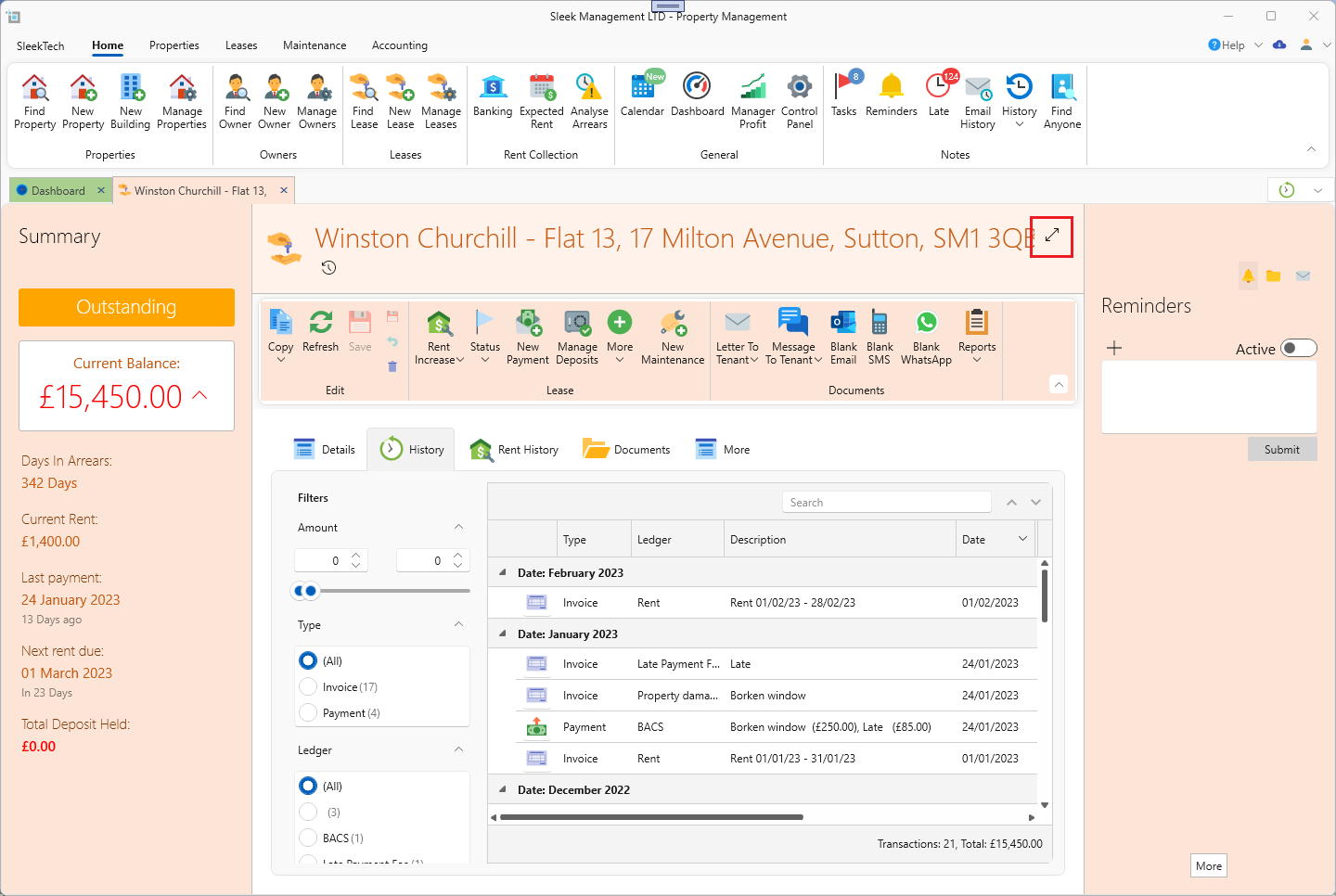
To make this easier you can quickly collapse any window to get more content on the screen. Just click the Collapse icon as shown below.
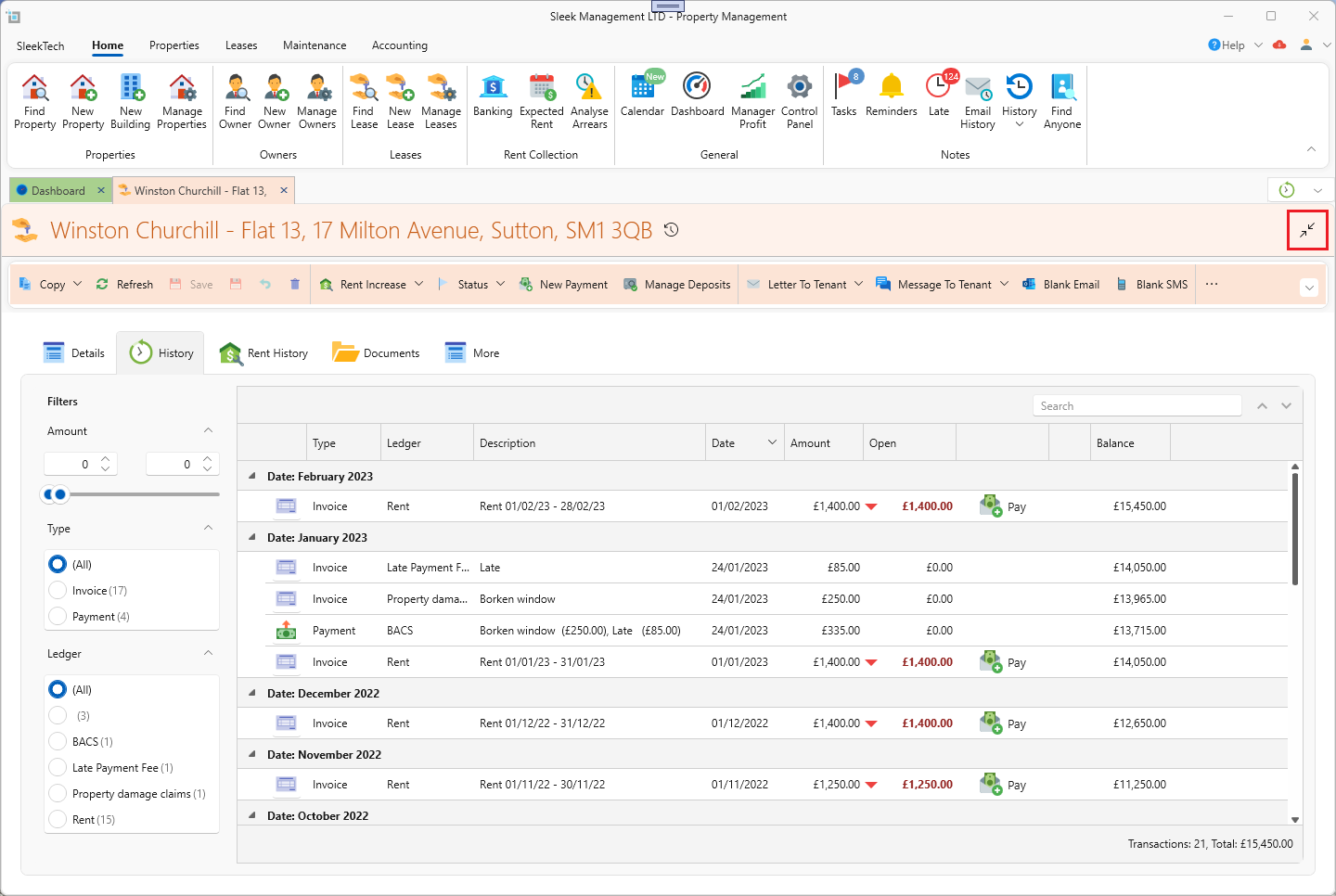
To expand the window again, just click on the Expand button as below:
If you find it easier to work in full screen mode you can set this as your default, so whenever you open a window it will show in full screen.
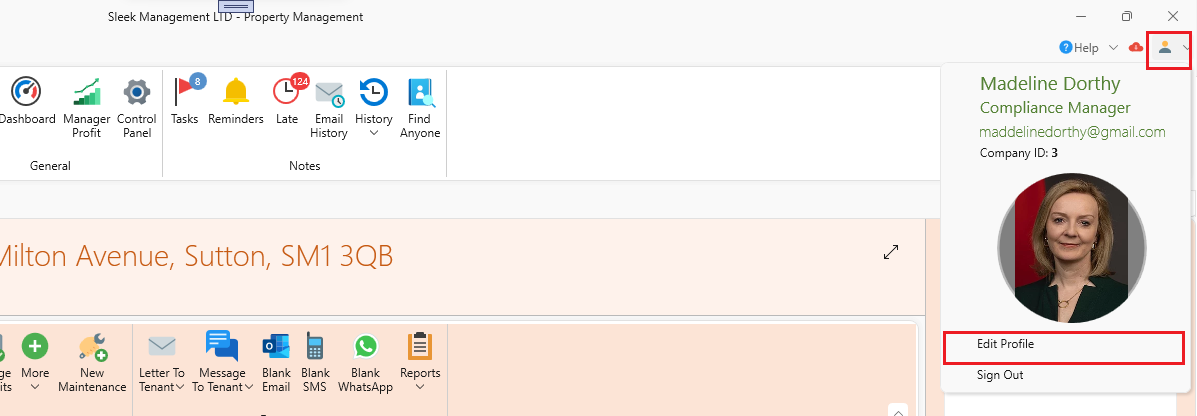
Open your user profile window:
Under the Preferences tab switch Full Scree Mode to on.
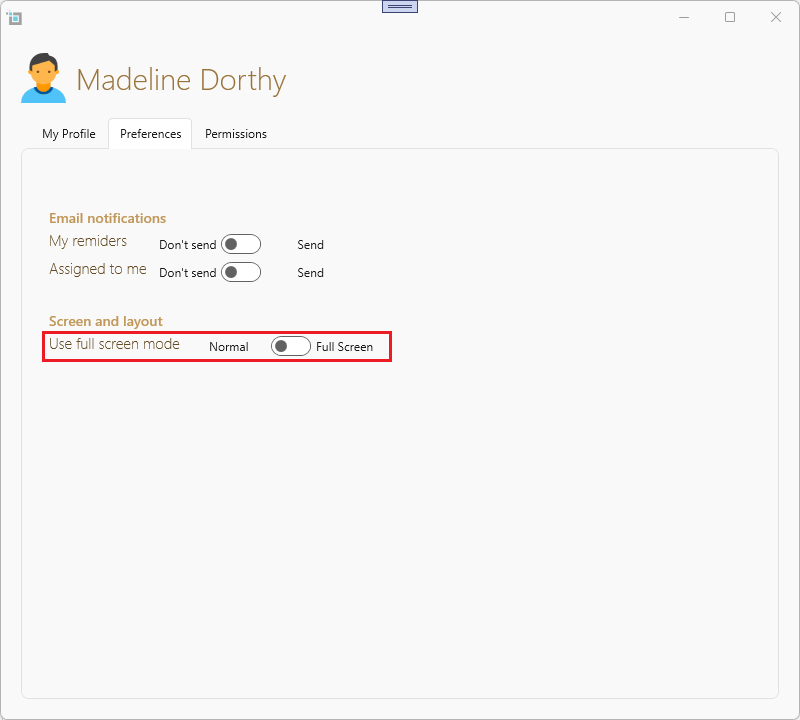
When closing the window, click Save Changes.