This is How to send funds to an owner without a statement:
- Open the Owner page.
- Click New Pay-out.
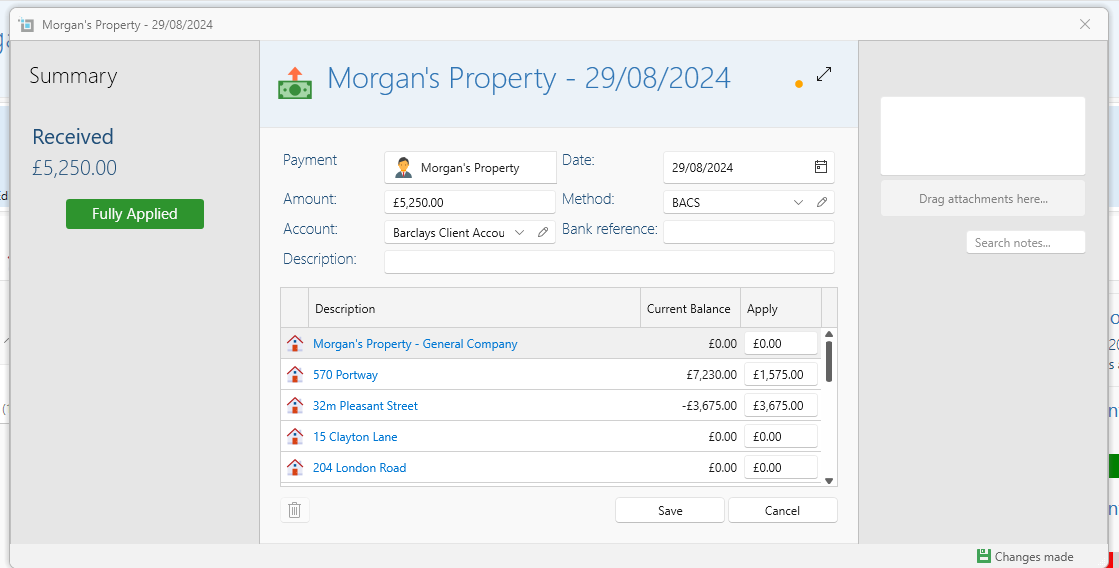
- Insert the amount you want to send.
- Apply to relevant properties by either clicking Apply All, or selecting the checkbox next to each property.
- You can also set the amount manually in the Apply column.
- Make sure the Date and Account are filled in correctly.
- Click Save.
- This withdrawal will come up in the next statement as a deduction.
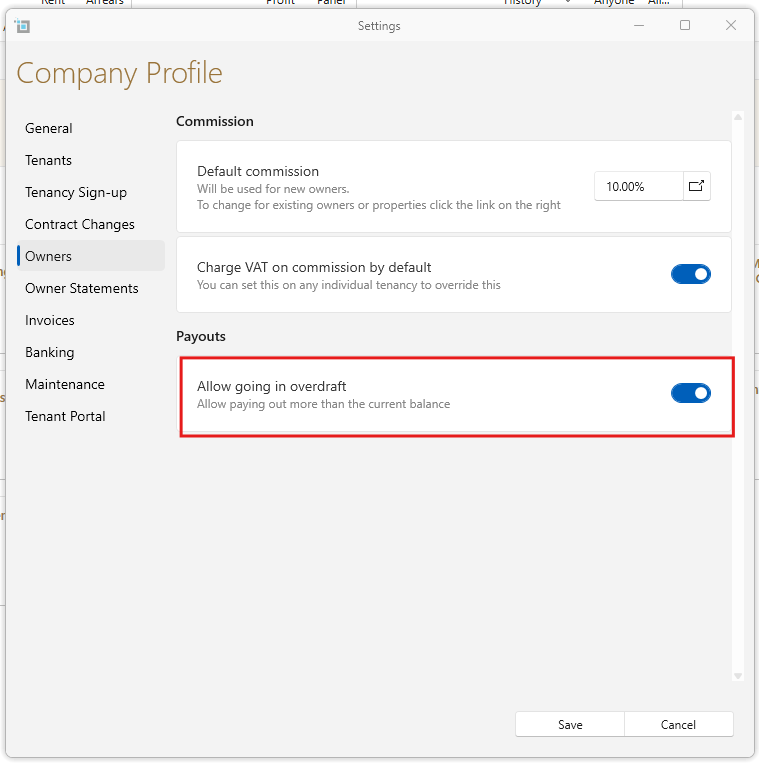
If the owner doesn't have this balance in account:
- Please go to Control Panel.
- Open Settings
- Select the Owners tab.
- At the bottom check Allow going in overdraft.
- Save.