When a certificate expires you will need to archive it in order to create a space for a new certificate and to be able to access the expired certificate at later stage.
This is how to archive a certificate.
- Open the property page.
- Select the Compliance tab.
- Click on the More drop down
- Select Renew
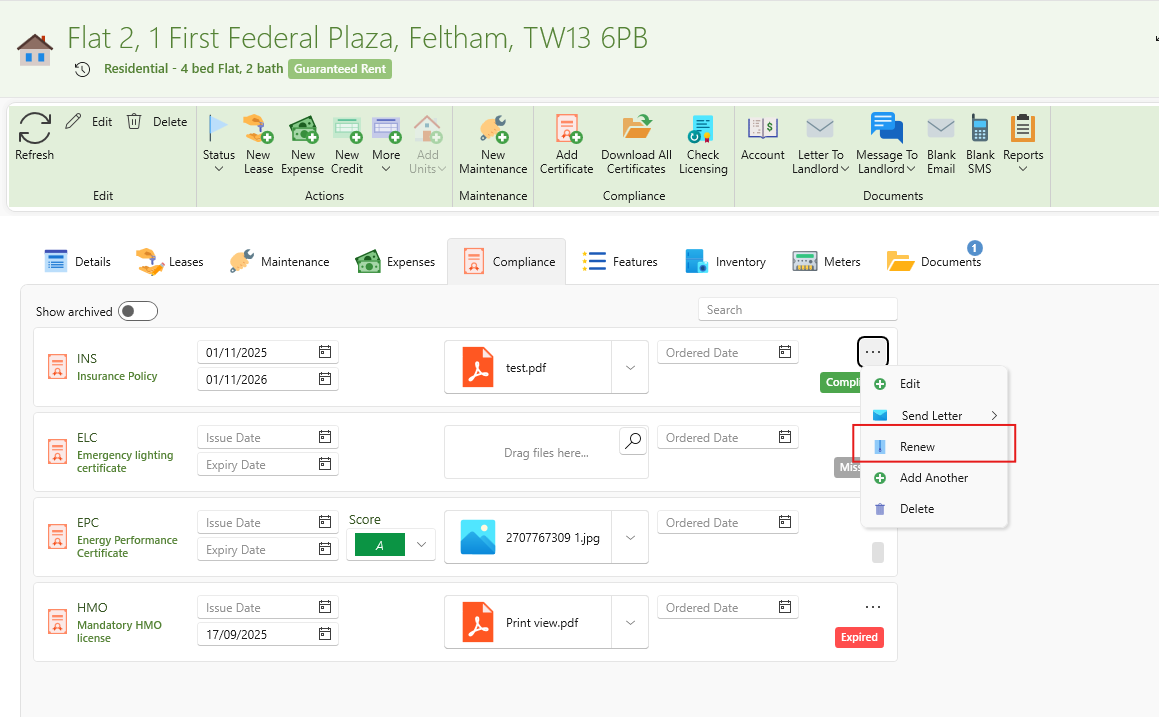
- The old certificate will be archived, and a new window will open up for the new certificate to be inserted.
- Drag in the new certificate and enter the Issue Date and Expiry Date
- The status of the certificate will automatically come up. Expired, Expiring or compliant.
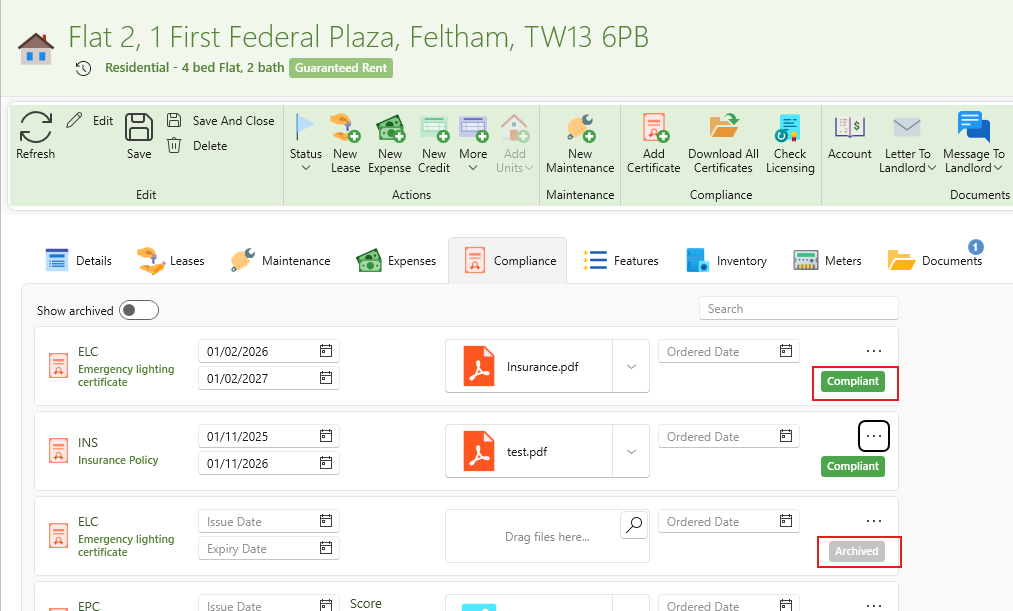
- Once refreshed the archived certificate will no longer show up and can be found by following the instructions below.
This how to view archived certificates.
- On the property page ribbon click View Archive.
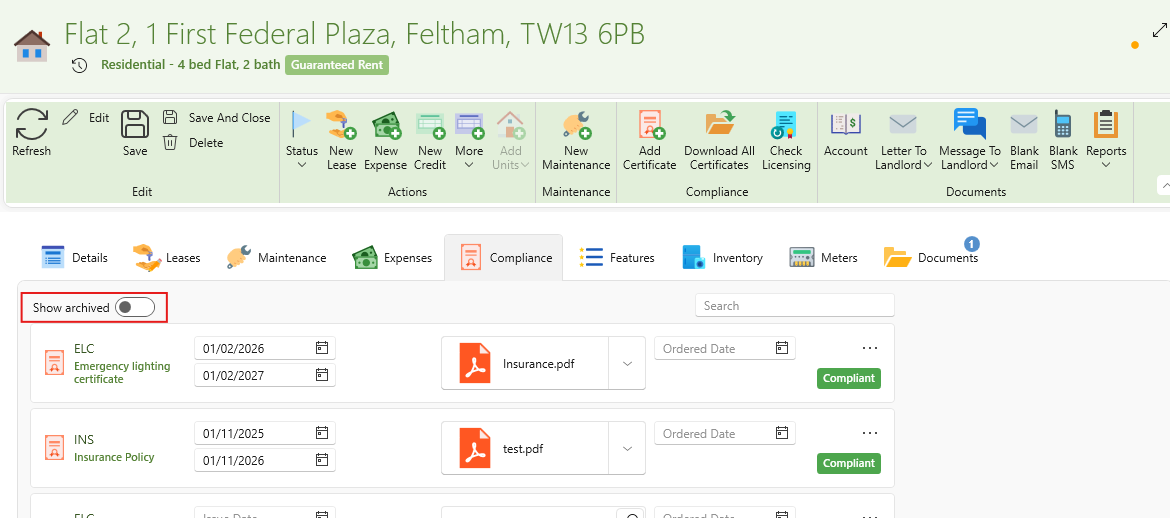
- A list of all archived certificates for this property will open up.
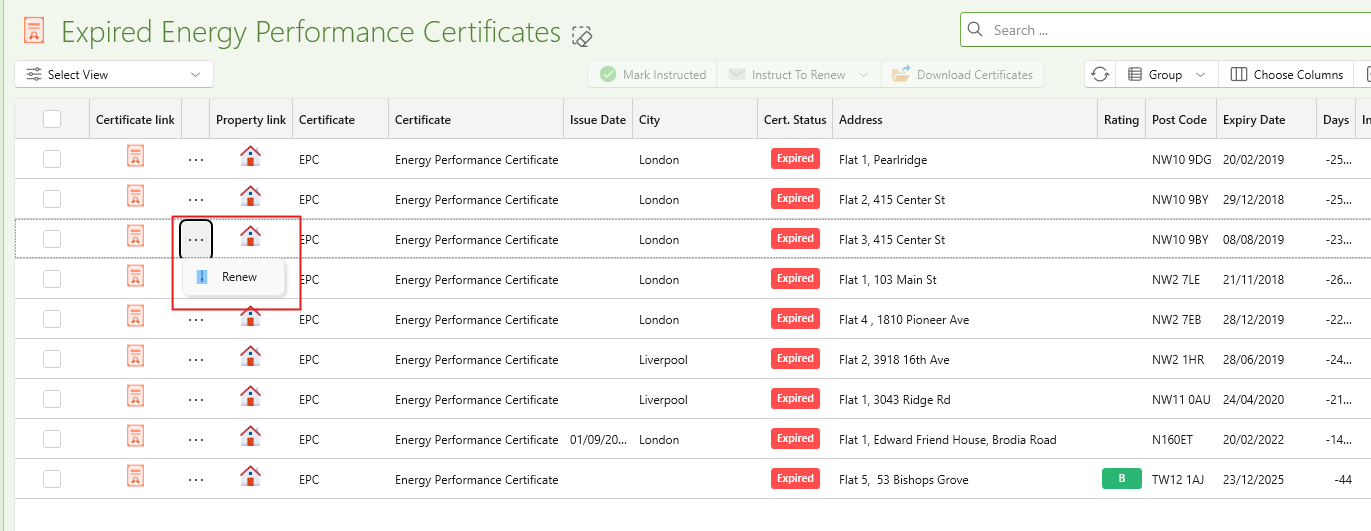
Renewing certificates from the dashboard.
When viewing the list of certificates by clicking into any of the cards you can aslo quickly renew any certiifcates firectly from that window.
- Open any of the lsits of certificates from the dashboard.
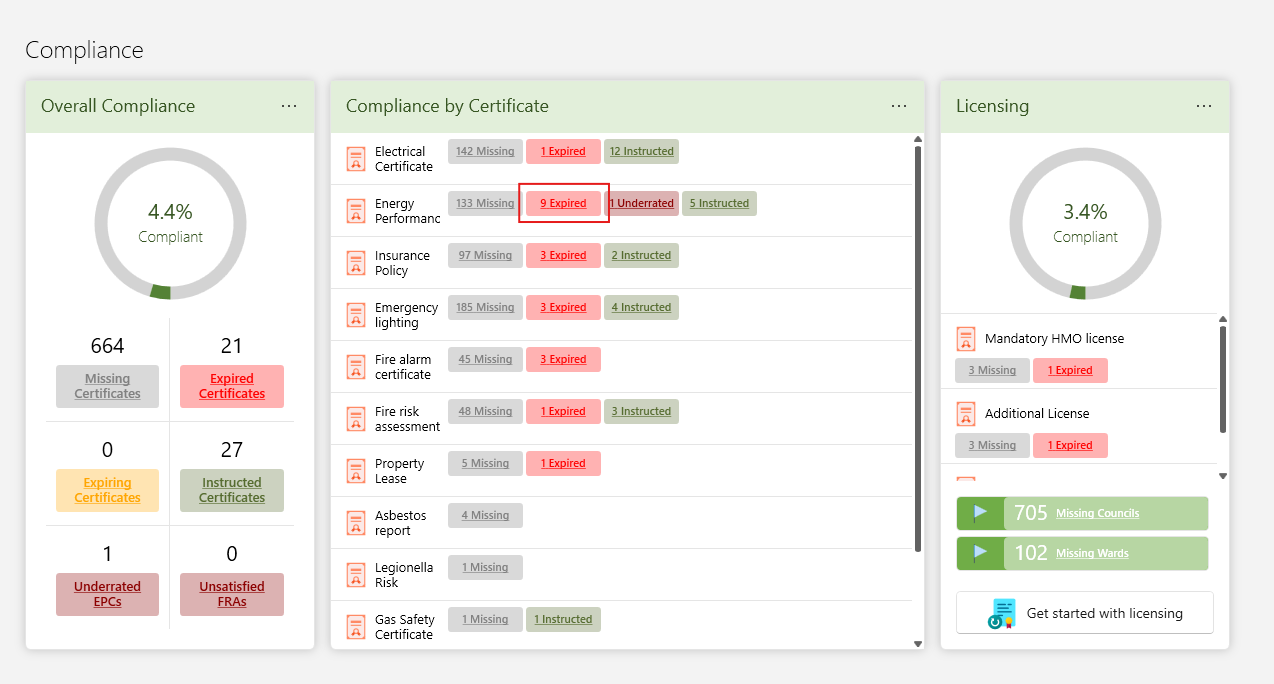
- You can then rewne any certificate in the list similar to how its done on the property page: