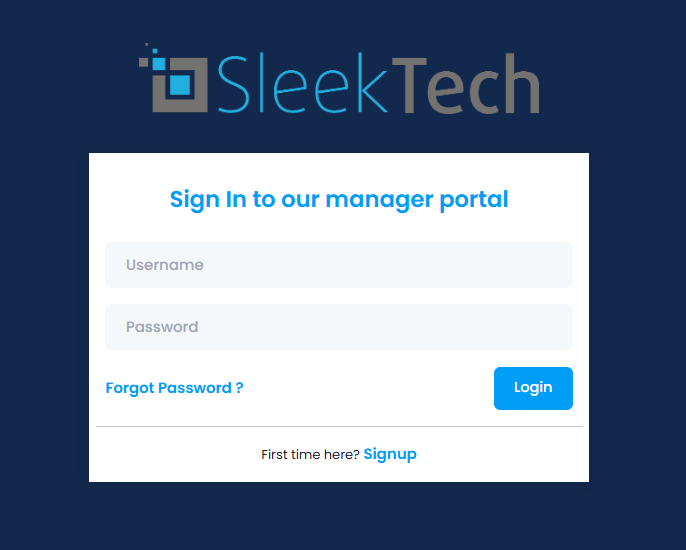
This is how to log on to the Managers App
If you already have a user created on the main SleekTech software you will automatically have access to the managers portal.
- Click the following link on your phone or tablet: SleekTech Web Portal
- In the Username box insert your email address registered with SleekTech
- In the password box, insert the same password used to log into the software.
- If you have forgotten your password, you can click on Forgotten password at the bottom of this box, and the system will send you a temporary password to your email.
- Click Login.